
Dropshipping Tycoon Updates Hub
The experience is live. Learn to read Roblox publish stamps and watch the systems that actually change.
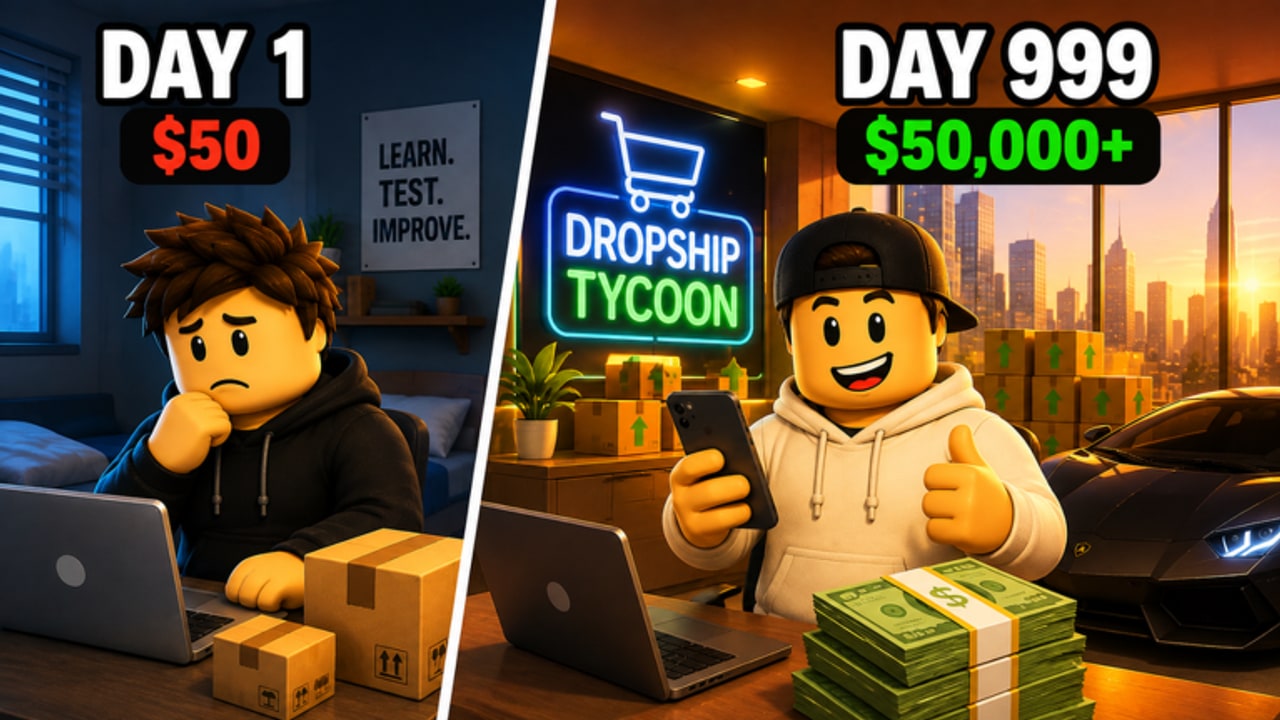
Dropshipping Tycoon is a live Roblox Simulation/Tycoon by DragonT Gaming. At research time the experience page showed an Updated stamp of 4 September 2026. That is a publish date on Roblox, not a promise of a written patch blog, and it is not a countdown to a hidden beta. The title is already playable and free.
This updates hub explains how to read that stamp, what to inspect after a publish, and where the rest of the wiki goes when something actually changes. The current public feature set is documented on the launch feature kit page. Promo codes, if they ever exist, live on the codes hub. Play loops live under guides.
How to read a Roblox update timestamp
On the experience page, Roblox shows when the place was last published. Players often treat that date like a Steam patch note. It is not. A new stamp can mean:
- A real content publish (new products, factory tweaks, HQ pieces).
- A small fix with no visible systems change.
- A republish of almost the same place.
How to use the stamp without guessing:
- Open the live game from official links.
- Note the Updated date.
- Check DragonT Gaming group shouts (community 34952375).
- Join an 8-player server and look at the systems you already know: products, ads, warehouse, HQ floors, employees, factory, Cash Boost, Daily Rewards, Arcade.
- Only then assume a meta shift on the tier list.
If the stamp moved and nothing in that list moved, it was probably a quiet fix. Do not rebuild your company because a date changed.
There is no public Trello and no public Discord to cross-check. Shouts plus the experience page are the whole official trail. Ignore random “patch leak” documents.
What to watch after 4 September 2026
Codes. None were public in September 2026. Still check codes and how to redeem whenever a shout looks like a gift string. A first code drop would be an update even if the place stamp does not move.
New products. The live loop starts with one small product and asks you to find winning listings. Catalog expansion is the most likely kind of change, and it is exactly why the tier list hub ranks spend types instead of SKU names. Test new items; do not abandon a proven one on sight.
Factory and contracts. Forklifts, conveyors, and B2B contracts are the documented Cash plus Gems engine. If a publish touches that floor, reread the factory guide before you hire a new forklift specialist. Gem efficiency of the whole account lives there.
Ads, boosts, and dailies. A change to the five-minute Cash Boost, Offline Earnings, Daily Rewards, or Arcade would show up in session rhythm. Recheck the ads and boosts ranking and daily rewards.
Employees and warehouse. Specialized staff and storage are how the company survives an 8-player lobby when you look away. See employees and warehouse after any hire-menu or shelf change.
What this wiki will not fake
- No invented patch bullet lists. If DragonT Gaming did not write it, it is not a note.
- No fake feature trailers presented as live.
- No badge trackers; the universe listing showed no public badges.
- No Discord patch channel that does not exist.
When we add a new child page under /updates/, it will be because a real publish is large enough to describe. Until then, the launch kit is the current live build, not a historical teaser.
A post-update checklist for your company
- Claim Daily Rewards so you do not skip the free button during curiosity.
- Confirm your proven product still stocks and sells (money guide).
- Walk the warehouse and HQ floors for new capacity or new bottlenecks.
- Check whether factory contracts still pay both currencies.
- Only then experiment with a new listing or Arcade cabinet.
- If chat claims a code, verify on codes, not on a third-party form.
New players should still start at Getting Started even on a fresh stamp. Updates do not replace the product-stock-ads-orders loop.
Read the Roblox Updated line as a publish ping, then verify in-game. Dropshipping Tycoon was live and stamped 4 September 2026 at research time; that date will move, and most moves will be smaller than lobby chat claims. Keep the launch feature kit as the baseline of products, ads, warehouse, HQ, employees, factory, boosts, dailies, and Arcade. Watch codes only when a group shout supplies a string, and send every systems change back through guides plus the tier list so you spend on the loop that still prints Cash and Gems.
Frequently Asked Questions
Quick answers to the most common questions.
When was Dropshipping Tycoon last updated?
The experience stamp was **4 September 2026** at research time. Recheck the live Roblox page via official links. A new date is a publish, not always a content dump.
Is the game live on Roblox?
Yes. It is live and free to play. The launch feature kit describes the current build, not a teaser.
Where are patch notes?
There is no public Trello or Discord. Use group shouts and what you can see in an 8-player server. This hub will not invent bullets.
Should I change my spend order after every stamp?
No. Re-test products, warehouse, and factory, then keep the tier list order until something in that loop actually breaks.
Do updates add codes?
Not automatically. No public codes were listed in September 2026. Watch codes and how to redeem if a shout appears.
What should new players read after a patch?
Still start with Getting Started and the rest of guides. Then skim this hub so you know how to read the next Roblox timestamp.